
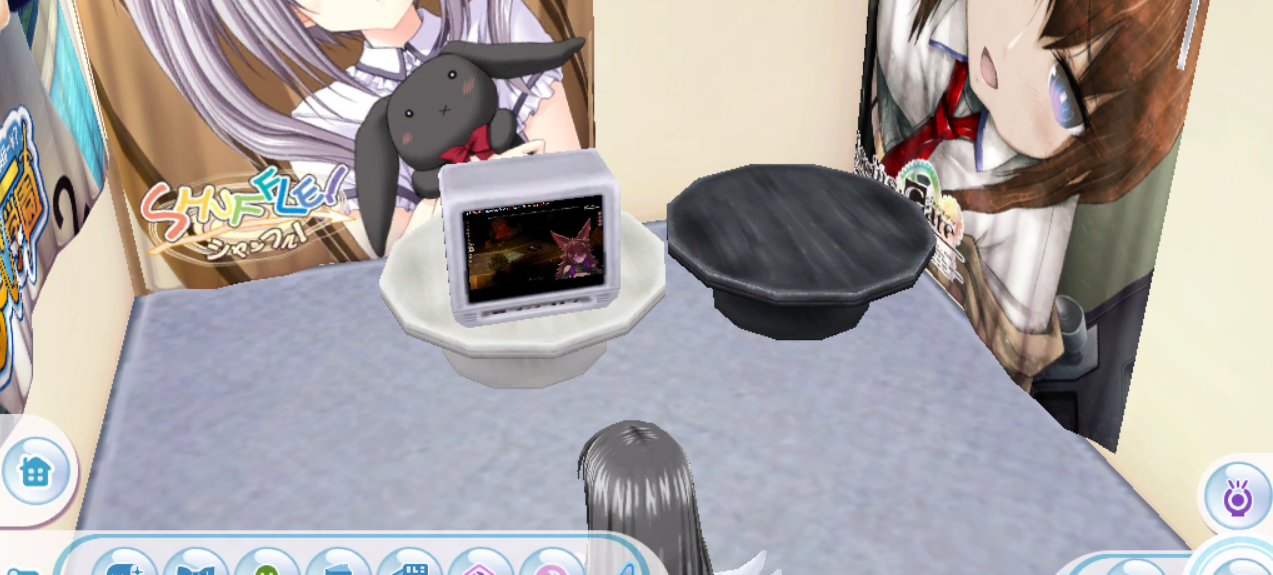
Room features have been mostly completed!
Quick FAQ
Is there a faster way to access MyRoom?
Sure! Using the /room chat command will take you directly to your default room.
How do I make my room bigger?
You can use the chat command /room create ROOMSIZE.
ROOMSIZE can be 6, 8, 10, or 12, and refers to the Tatami count of the room. For example, /room create 12 will create the largest available room.
Once you're in your new room, remember to use /room set to make it your default room!
How do I make my room public?
Open the Room Options menu and select the leftmost button.
At the top of the list is Public, and at the bottom is Private. The other options include things like Friends Only, Circle Only, and so on.
How do I rotate furniture?
Press the magnifying glass, then use the scroll wheel to rotate furniture while placing it.
Where can I buy furniture?
There is a furniture shop in the Shopping District.
Remember to use /money 1000 to give yourself some Deres to spend!
How can I visit other rooms?
Click on the door after completing the Doll quest. You'll have the options to:
- Exit your room (takes you to the Shopping District)
- Visit other rooms
- Do nothing
After selecting the option to visit other rooms, you'll see a list of public rooms belonging to other players.
The TV just shows an error page?
The TVs currently don't work. We're working on this feature, but it won't be available anytime soon.
Need further help? Hop into our Discord and ask — we're happy to help you get set up.